Free temporary storage service.
Create Directories (Open/Public or Private/Password Protected)
Upload files in plain text or encrypted with passkey (don’t lose the passkey)
Directories and file contents self-destruct after 24 hours of directory creation.
Image Bucket directory ignores TTL and is restricted to image file extensions.
Image Bucket pruning TBD but for now it does not have any pruning in place.
Note: aggressive filename filter in place: anything alluding to copyright material, illegal or indecent material, or anything deemed to be questionable will be denied upload access.
This also extends to Directory names in retrospect: Directories using any words filtered by the file uploader will be auto removed within a minute of creation. Keeping directory names ambiguous will mitigate this.
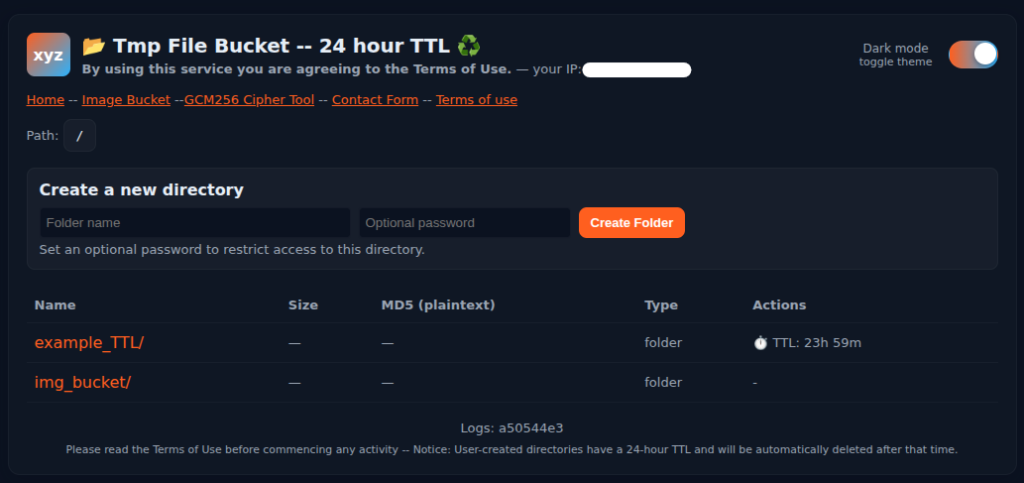
Demo:
Create DIRECTORY: use a unique and if possible ambiguous directory name.
TTL for the directory is displayed under the Actions header

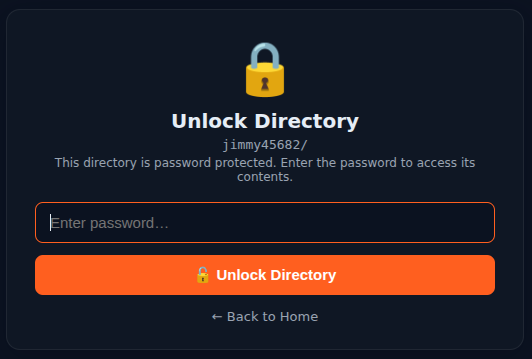
On directory creation you will be redirected to the new folder and prompted to enter the password for entry.
Drag file/s into the upload window or click to select file/s — click upload load to commit the file.
Files can be uploaded in plaintext or encrypted. MD5 is generated pre encryption (plaintext) and displayed under the MD5 header. The TTL is also displayed above the Upload pane:
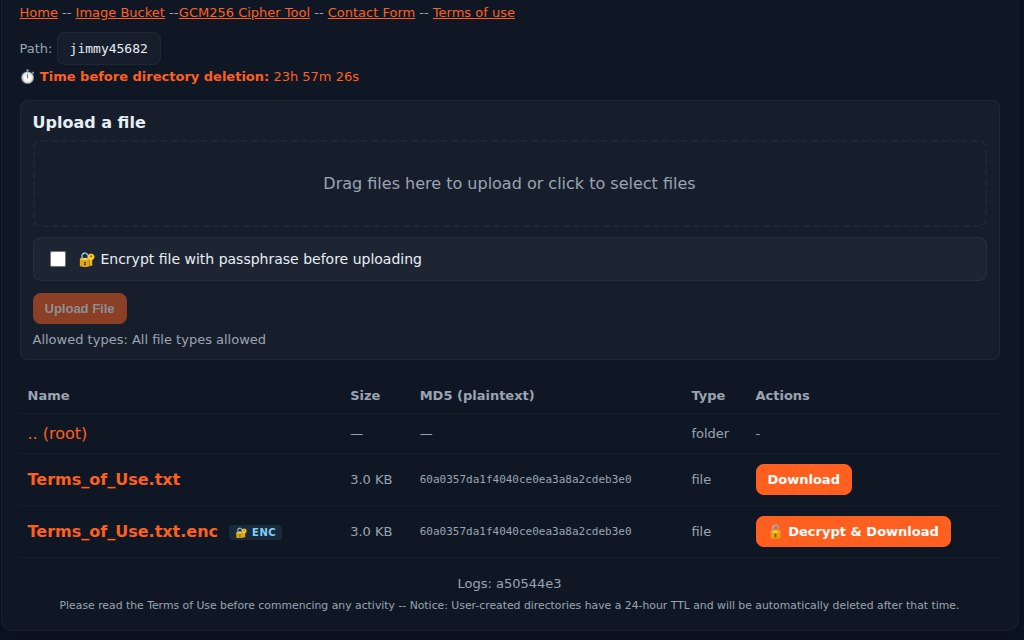
The uploaded file will appear in the directory.
Files cannot be deleted or overwritten (to protect against file poisoning/tampering) and will instead create a new file appending _XXXX to the end of the filename:
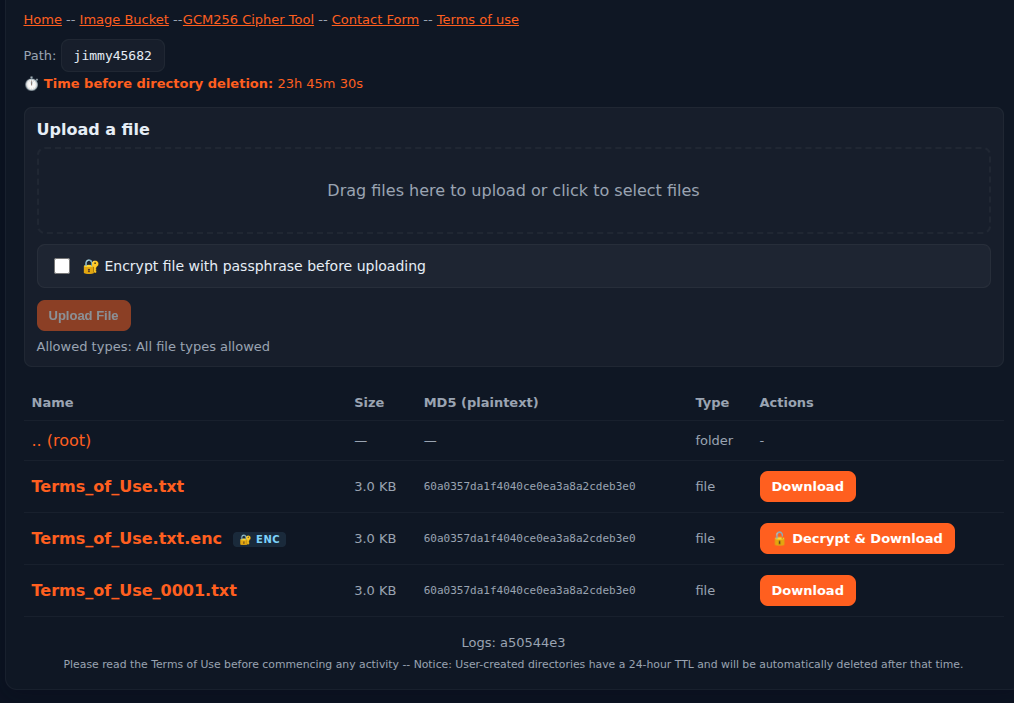
If you need file(s) removed before the TTL expires you can request it using the contact form.